AX Vendors Supplier Portal
AX Vendors centralizes onboarding, orders, invoices, and supplier communications in one secure workspace. Connect to your ERP, automate approvals, and give suppliers real-time visibility without custom development.
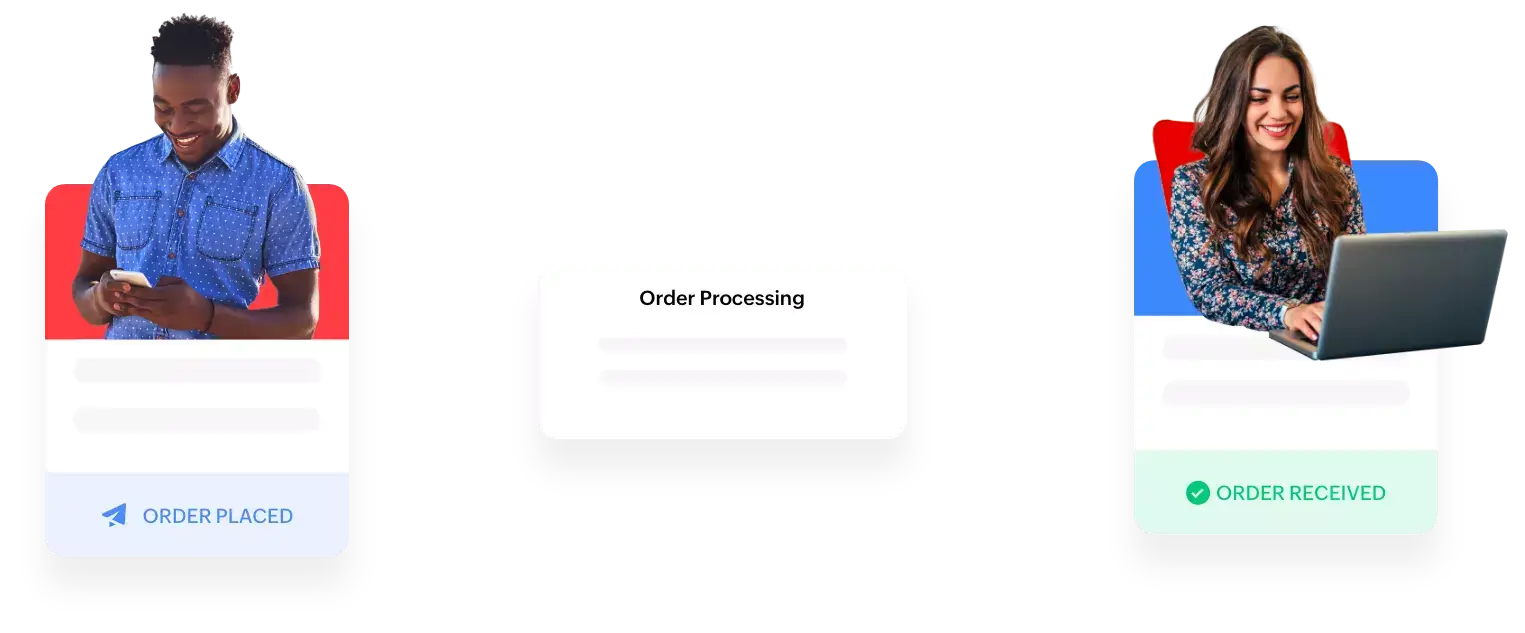
From world-class tech to world-class clients.



What is a supplier portal?
A supplier portal is a self-service solution that enables businesses to collaborate with third-party suppliers of goods and services. It removes the manual effort required during the procurement process by automating mundane tasks.
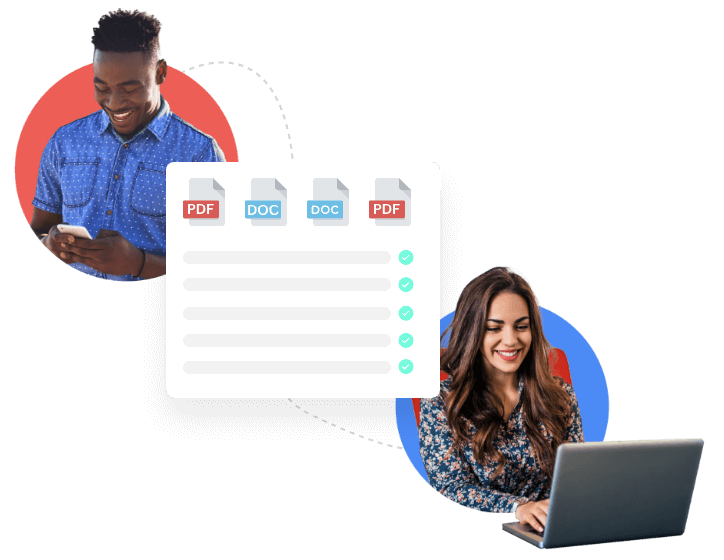
Why use a supplier portal?
Managing a supplier database manually can be a tedious task. Entering data, following up with suppliers, and updating actions can be frustrating and lead to unnecessary risks, errors, and oversights. This is where the supplier portal steps in.

Enable self-service-based collaboration with suppliers.

Make supplier onboarding much simpler.

Work with suppliers more effectively across geographies.
Access real-time information on order placement, acknowledgement, tracking, and more.
A supplier portal allows your organization's suppliers to visit a single central hub where they can submit invoices, download documents related to their contract, upload items needed for supplier qualification, or check policy details on your FAQ. Moreover, it allows organizations to access up-to-date, accurate information about the status of their purchase orders in real time.
Challenges faced by businesses
Despite multiple supply chain software solutions on the market, businesses face challenges in engaging with their supplier network.
Purchase Orders Don't Close the Loop
Purchase orders generated from ERPs sent via email may not close the loop of acknowledgement or acceptance from suppliers.
Managing Supplier Data Is a Hassle
Maintaining and managing a huge supplier database is a hassle.
No Self-Service Updates
No self-service ability makes updating supplier information a challenge.
No Real-Time Integration
Lack of real-time integration between suppliers and an organization’s internal systems means no real-time view of orders or payments, and intense manual intervention required.
Custom Solutions Are Costly
Investment in building a complete custom solution is incredibly costly.
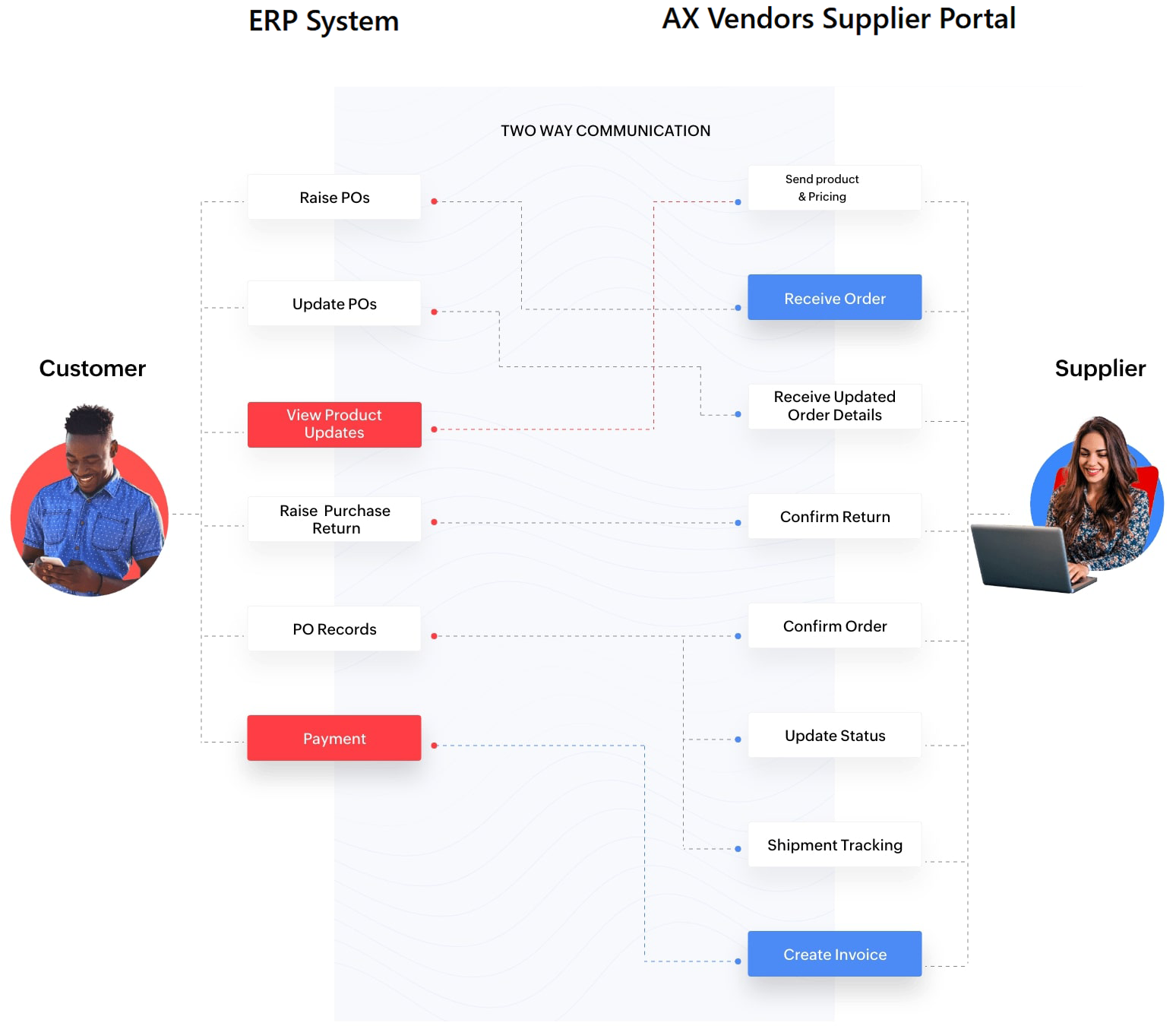
Makes conversation with suppliers completely automated, customized, and real-time
Integrations
Connect your favourite apps to your workflow.


Features
ERP data integrations
Purchase orders created in your ERP system will immediately be available in the supplier portal. This gives suppliers a record of the items and quantities you require and the prices you’re planning to pay. Transactions get uploaded in real time, so vendors can view the orders instantly, accept orders, work out new prices, and update the order status.
Audit capability
All activities in the portal are logged, allowing you to keep track of your portal users.
Role-based access control
Your IT admin can define what data should be shown to whom, and define their access permissions.
Dashboard
Insightful dashboard views display the amount of total sales and invoices, details of the last payment received from customers, and any documents that have been uploaded.
Order and purchase return handling
Allows you to request and update orders, as well as returns, from your ERP system, which gets reflected in the supplier portal instantly. Suppliers can view and accept orders, work out new prices, and update order status from the portal.
Automated reminders & notifications
Allows custom notifications to be set, like sending shipment and delivery notifications to the customer, sending reminders on payment, and more.
Access portal via Android and iOS devices
You and your suppliers can access the portal through your mobile devices.
Invoice and payment tracking
When your supplier has shipped goods to you, they can generate single or multiple invoices through the portal. After you pay them, and update your system, the supplier will be able to view the invoice through the portal.
Real-time status update
Suppliers can provide real-time product inventory information, update pricing, and send the status, whether the order is picked up, packed, shipped, or delivered.
View, print, upload, and comment on transactions
Suppliers can view all transactions created for them, add comments, and upload images of invoices. All the transactions and statements on accounts can be downloaded or printed.
Syndicated data
Provides information on the data set sourced from multiple suppliers.
Secured access to the portal
Once the portal is enabled, your IT admin can send out invites to your distributors. After accepting the invite, they just need to sign up on your portal, and can use it once your IT admin verifies their account.
Pricing
Start fast, scale securely. Built-in collaboration across all plans, with automation, APIs, and SSO available as you grow.
Starter
Get supplier collaboration live
- 1 company workspace
- Up to 5 internal users
- Up to 100 active suppliers
- Supplier onboarding (forms + documents)
- PO visibility + acknowledgements
- Email support
Professional
Run procurement operations
Everything in Essential, plus:
- Everything in Starter
- Up to 20 internal users
- Up to 300 active suppliers
- Custom branding (logo, colors, emails)
- Approval workflows + reminders
- Analytics dashboard
- API access (webhooks)
- Integrations: 2 standard
- Priority support (24–48h)
Enterprise
Security, scale, and integrations
Everything in Professional, plus:
- Everything in Professional
- Unlimited internal users
- Unlimited suppliers option
- Advanced roles & permissions
- SSO (SAML/OIDC)
- Audit exports + SLA
- Dedicated onboarding & success
- Custom integrations (ERP/EDI)
- Security review support
Help us route your inquiry
We'll help you find the right plan and pricing for your business.